 Try It On
01
Switch it on.
Install the app and turn on try-on in your theme editor. Your fitting room is open.
For Shopify stores
For men and women alike: lehengas and kurtas, or dresses, shirts and everyday western wear.
Free plan available·No photoshoots, no code·Billed through Shopify
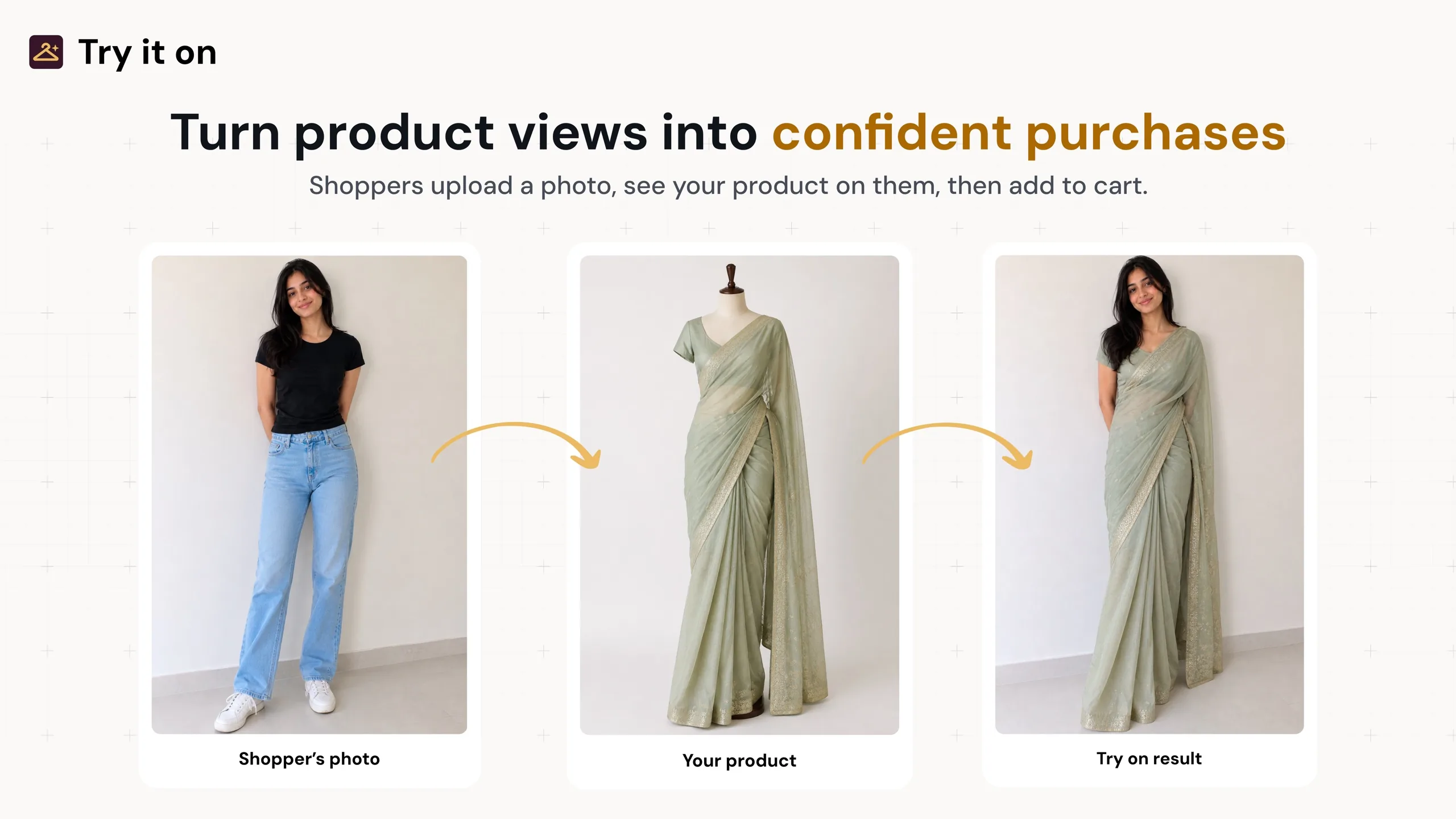
From browsing to believing
Install the app and turn on try-on in your theme editor. Your fitting room is open.
One clear photo, on phone or desktop. That’s all they need to make it personal.
A realistic try-on in seconds, one tap from Add to Cart. Fewer doubts, more confidence.
Made for more than the basics
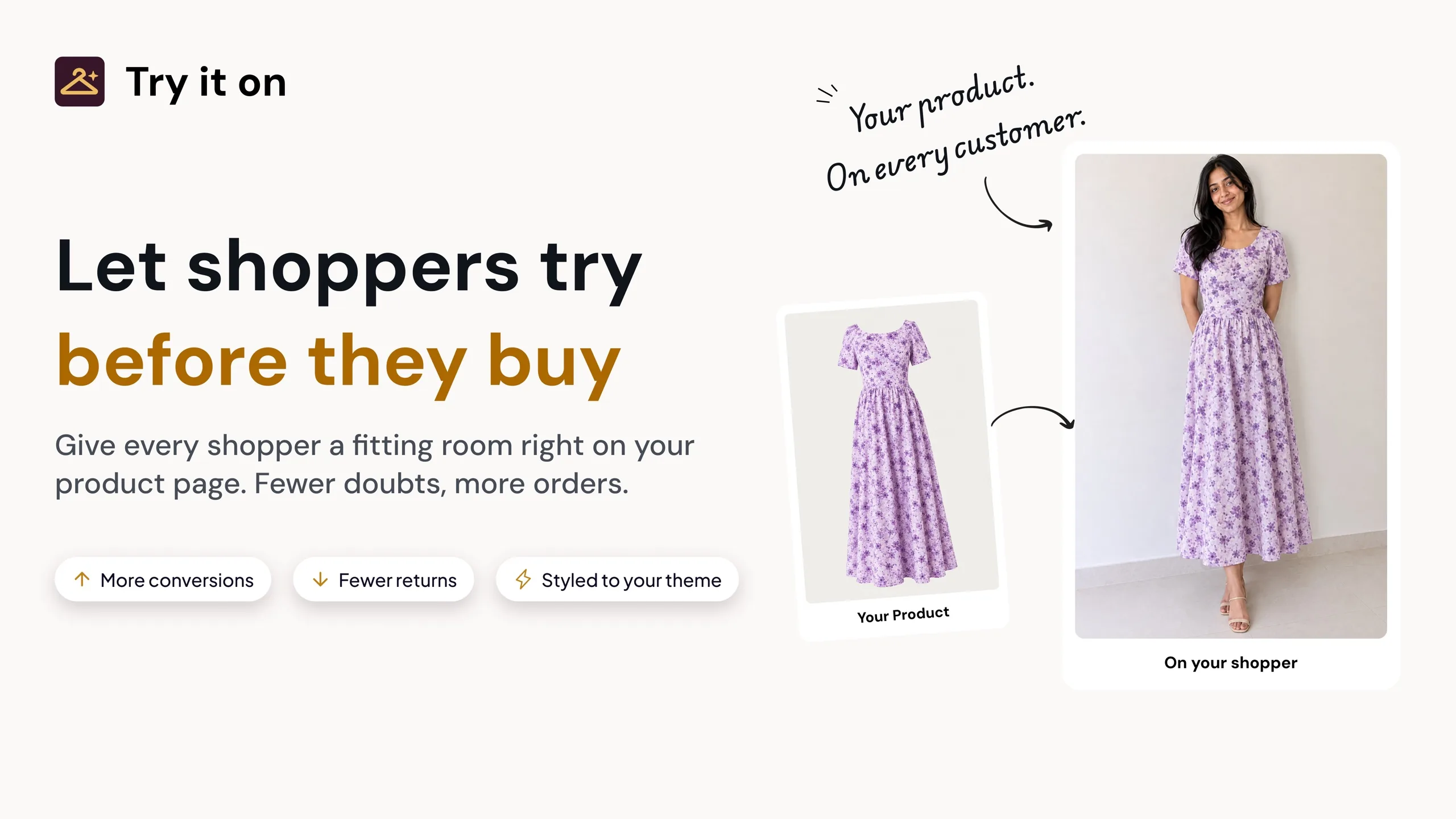
Try It On knows how each piece is worn. For men's and women's ethnic wear, a saree drapes and a lehenga flares just as it should. Built for wedding and festive season shopping.
Sarees, lehengas, anarkalis, salwar suits and dupattas.
Kurtas, sherwanis, bandhgalas and Nehru jackets.
Dresses and shirts, plus tops, t-shirts, jeans, trousers, skirts, jackets, coats, suits, jumpsuits, activewear and loungewear.
Coming soonBags, jewellery, eyewear, accessories & footwear.
Your store, your way
From the button to the catalogue, set it up your way.
Shoppers can try on anything that catches their eye, the moment they see it.
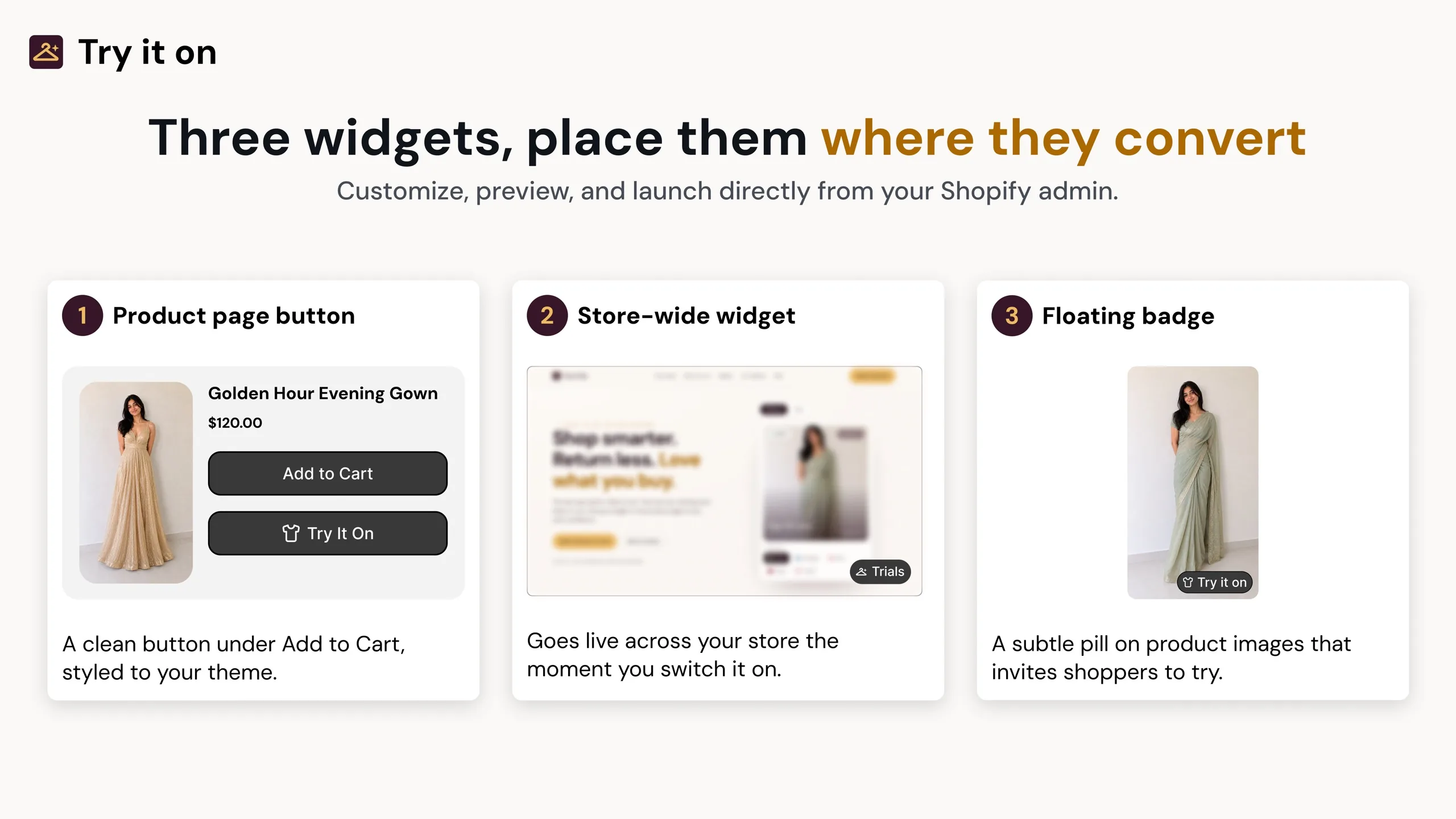
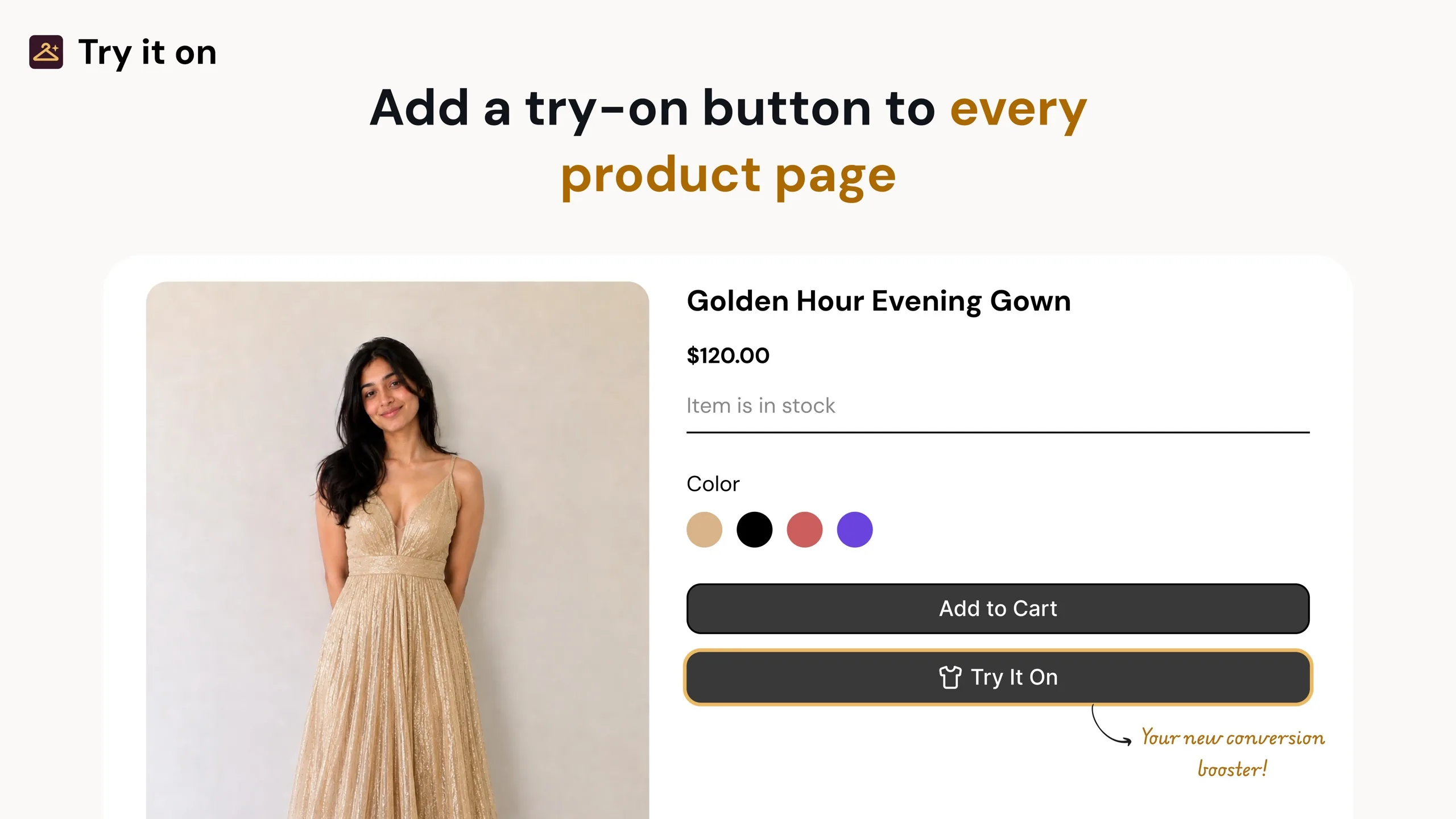
On your product page
On product images
Across your store
On for every product by default. Add rules to show or hide it exactly where you want.
New products that match your rules are included automatically.
Example configuration
Try-ons that look like your product, on your shopper.
AI preview. Not a guarantee of exact fit, size or colour.
One photo, any product, on phone or desktop.
Ready for the next thing they love.
Live in minutes, with nothing to maintain.
Monthly try-ons
1,200 / monthIllustrative dashboard · Manage it all in Shopify
A small start. Room to grow.
Start free. Upgrade when try-on becomes part
of how your shoppers buy.
$0 / month
For trying it on your store.
Start free$19 / month
For smaller stores.
Choose Lite$79 / month
For boutiques and growing D2C brands.
Choose Starter$249 / month
For established fashion stores with steady traffic.
Choose GrowthAll prices in USD. Billed through Shopify.
Add try-ons any time on a paid plan, from 300 onwards.
| Try-ons | Price |
|---|---|
| 300 (minimum) | $19.80 |
| 500 | $33.00 |
| 1,000 | $66.00 |
| 2,500 | $165.00 |
| 5,000 | $330.00 |
| Custom (300 or more) | $0.066 / try-on |
Privacy, by design
Shoppers trust your store with a photo of themselves. We keep that trust.
One less thing on your list: we give you ready-made wording for your store’s privacy policy.
Photos and try-ons stay out of every model.
No data sales. No advertising.
We never identify who is in a photo.
Replace a photo or delete try-ons any time.
Explicit content and photos of children are blocked.
Encrypted, minimal access, privacy requests handled.
No. Try It On works from the product photos already in your store, and picks the clearest one for each product automatically.
Install the app, then switch on the try-on button from your theme editor. There’s no code to edit.
Yes. Show or hide try-on by collection, category, product type or tag, and set a minimum price so it only appears on products above it. Leave the rules off and try-on appears on every product.
Yes. Choose a product page, collection hover or floating button, or any mix, and set its colours and style to match your theme.
Yes. Indian and ethnic wear is a core part of what Try It On is built for, for men and women alike, from sarees and lehengas to kurtas and sherwanis, including drapes, pleats and dupattas.
Yes. The same engine handles men's and women's wear, from kurtas and sherwanis to dresses, shirts, t-shirts, jeans and jackets.
Tap Try It On, upload one clear photo of themselves, and see the result in seconds. They can reuse that photo for every product.
Try-on pauses on your store until you buy an extra pack or your next billing cycle starts. You’re never charged automatically for extra usage.
On paid plans, up to 25% of your monthly allowance rolls into the next month. Extra try-on packs never expire.
Any time, from inside the app. Changes start at your next billing cycle; upgrading from Free applies straight away. To stop paying, move to the Free plan.
They’re used only to create try-ons, never to train AI or for advertising. Shoppers can replace their photo and delete their try-ons at any time. See our Privacy Policy.
Yes. Shoppers see how a piece looks on themselves before they buy, which helps them choose the right style and size and leads to fewer returns.
They’re realistic AI previews that help shoppers picture a product on themselves. They aren’t a guarantee of exact fit, size or colour.
Start with 30 free try-ons a month.
Upgrade when you’re ready.
Free plan available · No code · Billed through Shopify